
Write a Review

Senge Graphics Inc
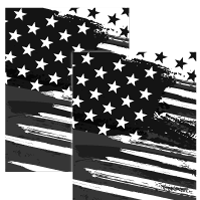
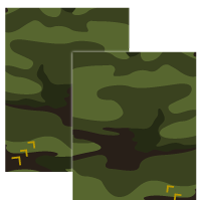
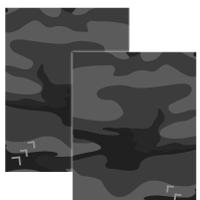
7.5"x10" Carbon Fiber Decals
Carbon Fiber Fork Tube Protectors – Add-On
Add-On Product – Designed to Pair With Your Graphics Order
Finish the bike the right way. Our Carbon Fiber Fork Tube Protectors add the final detail to your build while helping protect one of the most visible parts of your suspension.
Printed with a realistic carbon fiber finish and produced using the same premium materials as our motocross graphics, these protectors help guard your fork tubes from everyday riding abuse like roost, gravel, tie-downs, and minor scratches while keeping your bike looking factory fresh.
Realistic Carbon Look
The carbon fiber pattern gives your bike a clean factory race look while blending perfectly with nearly any graphics kit. Whether you're running a full custom kit or stock plastics, these add a subtle upgrade that riders immediately notice.
- Realistic carbon fiber appearance
- Printed on the same materials as your graphics
- Ultra-aggressive adhesive for long-term hold
- Pressure washer safe
Protection Where It Matters
Fork tubes are constantly exposed to roost, rocks, straps, and debris. These protectors add a durable barrier to help keep your forks looking clean while riding or transporting your bike.
- Helps prevent scratches and nicks
- Protects from roost and trail debris
- Reduces strap wear during transport
- Keeps fork tubes looking fresh
Product Details
- Size: 7.5" x 10"
- Designed to fit most motocross fork tubes
- Precision cut for clean installation
- Sold as a pair (left and right fork)